
3D2HOLO vs Imagiam vs Triaxes 3DMasterKit
팀이 더 적은 설정 부담으로 자산에서 인쇄 가능한 홀로그램 출력까지 가고 싶다면, 3D2HOLO가 더 분명한 장점을 주는 경우가 많습니다. 이는 오래된 데스크톱 스위트가 쓸모없어서가 아닙니다. 현대의 팀은 점점 더 브라우저 접근, 빠른 평가, 그리고 한 가지가 아닌 다양한 소스 자산을 받을 수 있는 워크플로를 필요로 하기 때문입니다.
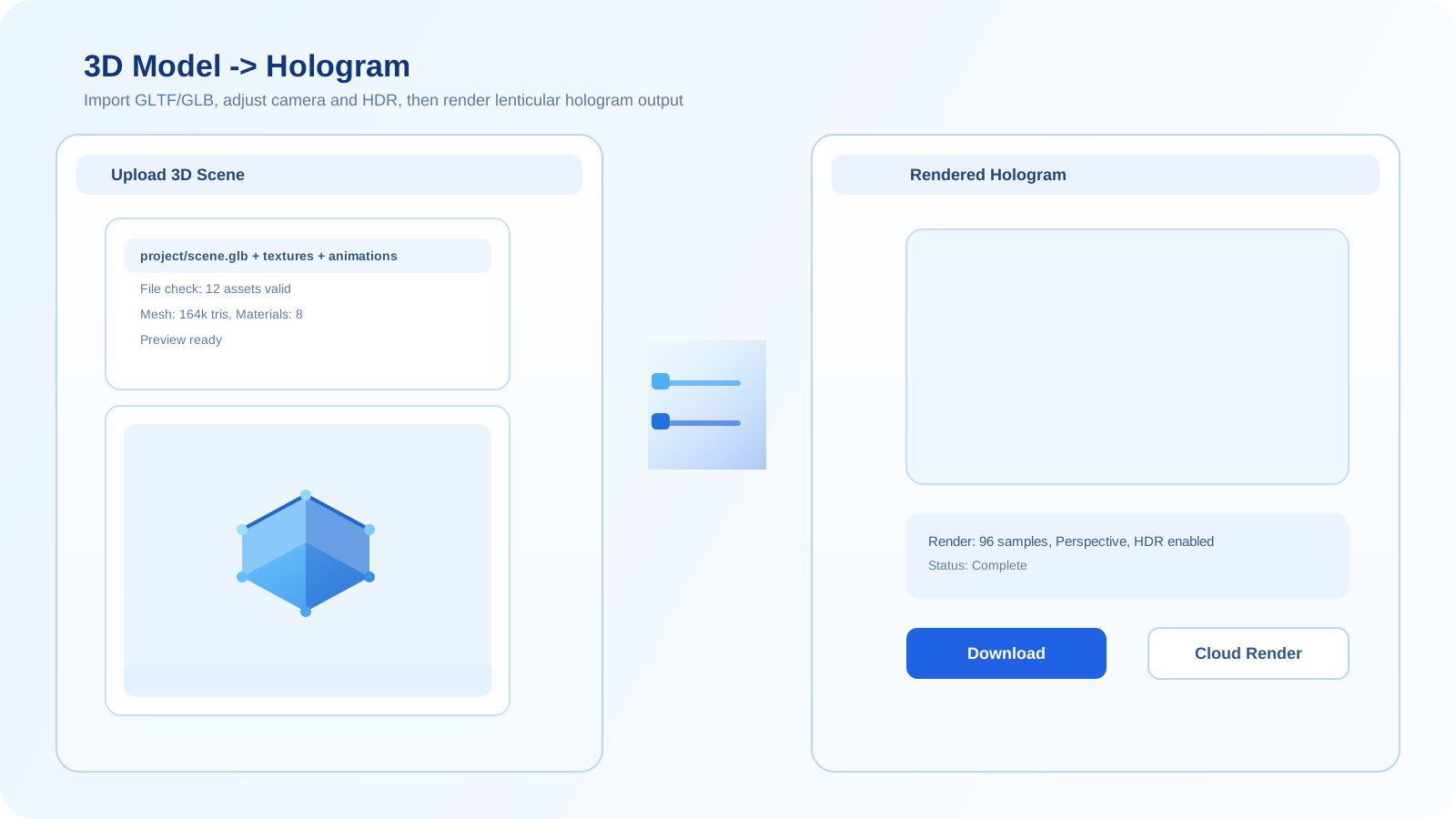
비교 참고
이 비교는 2026년 3월 22일 기준으로 공개적으로 확인 가능한 제품 정보와 현재 공개된 3D2HOLO 워크플로 페이지를 바탕으로 합니다. 초점은 워크플로 적합성에 있으며, 모든 인쇄소에 대해 어떤 도구가 항상 더 낫다고 주장하는 것은 아닙니다. 공개 가격도 바뀔 수 있으므로 실제 구매 전에 정확한 수치는 다시 확인해야 합니다.
3D2HOLO가 앞서는 지점
3D2HOLO는 작업이 웹에서 시작되고 소스 자산이 프로젝트마다 달라질 수 있을 때 특히 강합니다. 이 플랫폼은 2D 이미지 시퀀스, 직접 3D 업로드, Sketchfab 기반 캡처, AI 멀티뷰 생성, 그리고 피치 테스트를 하나의 제품 표면 안에 담고 있습니다. 또한 렌즈와 픽셀 사이의 각도처럼 실무적인 렌티큘러 제어도 제공하는데, 이는 고정된 정면 가정에 의존하기보다 실제 인쇄 소재의 동작에 맞춰야 하는 팀에 중요합니다. 마찬가지로 중요한 점은, 프로젝트가 빠른 다중 각도 출력만 필요할 때 처음부터 복잡한 깊이 곡선을 손으로 만들 필요가 없다는 것입니다. AI가 생성한 뷰로 바로 다음 단계로 넘어갈 수 있기 때문입니다. 이런 폭넓음은 도구 전환을 줄여 주고, 더 깊은 제작 경로로 들어가기 전에 아이디어를 시험해 볼 수 있게 해줍니다.
가격도 선택에 영향을 줍니다. 3D2HOLO의 공개 사이트는 무료 진입점, 첫 월 구독 1.90 USD, 이후 월 9.90 USD, 연간 결제 시 월 6.90 USD, 그리고 4.90 USD부터 시작하는 선택형 AI 크레딧 팩 구조로 제품을 제시합니다. 반면 Imagiam의 공개 가격 페이지는 소형 에디션 520 EUR부터 상위 Digital 및 Offset 패키지 4,176.25 EUR까지이며, 임대 요금제는 395 EUR와 595 EUR입니다. Triaxes 3DMasterKit의 가격 상세 페이지에는 41.65 EUR부터 789.65 EUR까지의 영구 라이선스 에디션이 나와 있습니다. 그럼에도 3D2HOLO는 크리에이터, 에이전시, 이커머스 팀, 소규모 스튜디오가 저비용으로 시작하기에 가장 가벼운 진입점으로 남습니다.
| 나란히 비교 | 3D2HOLO | Imagiam | Triaxes 3DMasterKit |
|---|---|---|---|
| 주요 운영 방식 | 브라우저 접근이 가능한 웹 우선 워크플로 | 전통적인 데스크톱 중심 렌티큘러 워크플로 | 전통적인 데스크톱 중심 렌티큘러 워크플로 |
| 입력 범위 | 2D, 3D, AI, Sketchfab, 피치 테스트 도구를 한곳에 통합 | 기존 렌티큘러 이미지 준비 워크플로에 더 집중 | 고전적인 스테레오, 렌티큘러, 플립, 인쇄 준비 워크플로에 강함 |
| 설정 마찰 | 브라우저에서 시작하므로 빠르게 평가 가능 | 먼저 데스크톱 파이프라인에 들어가야 하므로 보통 더 큼 | 먼저 데스크톱 파이프라인에 들어가야 하므로 보통 더 큼 |
| 가장 큰 장점 | 현대적 혼합 입력 제작, 빠른 반복, 제어 가능한 렌즈-픽셀 각도 | 레거시 스타일 렌티큘러 제작 환경에 특화 | 전통적인 렌티큘러 및 스테레오 제작 기능이 깊음 |
| 잘 맞는 팀 | 무거운 설정 없이 유연성을 원하는 스튜디오, 크리에이터, 에이전시, 팀 | 오래된 데스크톱 중심 워크플로에 이미 투자한 사용자 | 확립된 데스크톱 툴링을 선호하는 인쇄소와 운영자 |
| 공개 가격 포지션 | 무료 진입, 첫 월 구독 1.90 USD, 이후 월 9.90 USD 또는 연간 결제 시 월 6.90 USD, 그리고 4.90 USD부터 시작하는 크레딧 팩 | 공개 가격 페이지는 520 EUR에서 4,176.25 EUR까지이며 임대 요금제는 395 EUR와 595 EUR | 공개 가격 페이지에는 41.65 EUR부터 789.65 EUR까지의 영구 라이선스 에디션이 표시됨 |
하나의 플랫폼에서 네 가지 시작점 지원
3D2HOLO의 큰 장점은 모든 프로젝트를 같은 입력 경로로 강제하지 않는다는 점입니다. 어떤 작업은 3D 모델로 시작하고, 어떤 작업은 사진 세트로 시작하며, 어떤 작업은 Sketchfab 호스팅 모델에서 시작하고, 또 어떤 작업은 AI 생성 시점이 필요한 한 장의 평면 이미지에서 시작합니다. 3D2HOLO는 이 모든 것을 하나의 환경에서 다루며, 복잡한 깊이 곡선 설정을 먼저 손으로 만들지 않고도 한 장의 이미지에서 AI 다각도 뷰로 바로 가는 지름길도 제공합니다.
현대 팀을 위한 더 낮은 온보딩 마찰
워크플로가 브라우저 우선이기 때문에 팀은 각 기여자 주위에 무거운 로컬 소프트웨어 스택을 구축하지 않고도 테스트를 시작할 수 있습니다. 이는 아트 디렉션, 리뷰, 인쇄 준비가 프리랜서, 에이전시, 분산 팀 사이에 나뉘어 있을 때 중요합니다. 또한 수백에서 수천 유로에 이르는 전통적인 소프트웨어 구매보다 시작 비용 부담이 훨씬 낮다는 뜻이기도 합니다.
테스트 전에 수동 깊이 설정이 덜 필요함
3D2HOLO는 초기 평가 단계에서 특히 강한데, 아이디어가 작동하는지 보기 전에 항상 복잡한 깊이 곡선을 만들 필요가 없기 때문입니다. 먼저 AI 멀티뷰 이미지를 생성하고, 출력 방향을 미리 보고, 인터레이싱 관련 설정을 시험하고, 필요하면 렌즈와 픽셀 사이의 각도를 조정한 뒤, 프로젝트가 정말 필요할 때만 더 통제된 3D 경로로 넘어가면 됩니다. 이는 나중에 낭비되는 정리 시간을 줄여 줍니다.
웹 네이티브 자산과 AI 보조 워크플로에 대한 직접 지원
비교 대상인 오래된 데스크톱 제품들은 Sketchfab 기반 캡처, 브라우저 측 3D 워크플로, AI 멀티뷰 생성, 무료 피치 테스트라는 동일한 조합으로 공개적으로 포지셔닝되어 있지 않습니다. 그래서 3D2HOLO는 많은 팀이 실제로 자산을 확보하고 검증하는 현재 방식에 더 잘 맞으며, 특히 더 큰 투자를 하기 전에 작게 시작하고 싶은 팀에 적합합니다.
이런 점이 중요하다면 3D2HOLO를 선택하세요
- 2D, 3D, AI, Sketchfab 어디서든 시작할 수 있는 하나의 제품을 원한다.
- 하나의 전용 데스크톱 워크스테이션에 의존하지 않고 브라우저로 검토와 반복을 진행해야 한다.
- 더 깊은 정리나 파일 전달 작업 전에 깊이, 구도, 인쇄 의도를 더 빨리 검증하고 싶다.
- 오랜 데스크톱 전용 프로세스를 유지하는 것보다 워크플로 민첩성과 혼합 입력 제작을 더 중요하게 생각한다.
Imagiam 또는 3DMasterKit이 여전히 더 맞을 수 있는 경우
운영이 이미 성숙한 데스크톱 인쇄 스테이션을 중심으로 구축되어 있고, 팀이 주로 고전적인 렌티큘러, 스테레오, 플립, 사진랩 스타일 작업을 수행한다면, 전통적인 스위트도 여전히 의미가 있을 수 있습니다. 특히 운영자가 그 도구들에 깊이 숙련되어 있고 더 넓은 자산 입력이 필요하지 않다면 더욱 그렇습니다.
따라서 3D2HOLO의 가장 강한 논점은 데스크톱 소프트웨어에 가치가 없다는 것이 아닙니다. 오히려 혼합 자산, 브라우저 리뷰, 더 가벼운 설정, 더 빠른 시험, 그리고 개념에서 인쇄 가능한 출력까지의 더 매끄러운 연결처럼 더 새로운 생산 방식에 더 잘 맞는다는 점입니다.
FAQ
3D2HOLO는 항상 Imagiam이나 Triaxes 3DMasterKit보다 더 좋은가요?
아닙니다. 더 적합한 선택은 팀에 따라 다릅니다. 브라우저 접근, 혼합 자산 입력, 빠른 반복이 완전히 데스크톱 중심의 인쇄 워크플로 유지보다 더 중요할 때 3D2HOLO의 장점이 가장 분명해집니다.
이 비교에서 3D2HOLO의 가장 큰 실질적 장점은 무엇인가요?
가장 큰 실질적 장점은 더 적은 마찰로 더 넓은 워크플로를 제공한다는 점입니다. 3D2HOLO는 2D, 3D, AI, Sketchfab, 피치 테스트 워크플로를 하나의 플랫폼에 결합해 도구 전환을 줄이고 평가 시간을 단축합니다. 또한 많은 초기 단계에서 복잡한 수동 깊이 곡선 설정을 건너뛰고 AI 다각도 이미지를 바로 생성할 수 있습니다. 공개 진입 가격도 Imagiam 및 Triaxes 3DMasterKit 페이지에 제시된 가격대보다 낮습니다.
언제 팀이 전통적인 데스크톱 스위트를 유지해야 하나요?
이미 안정적인 데스크톱 제작 환경과 숙련된 운영자가 있고, 워크플로가 현대적인 혼합 자산 소스보다는 고전적인 렌티큘러 또는 스테레오 인쇄 준비에 맞춰져 있다면 전통적인 데스크톱 스위트를 유지하는 편이 적합합니다.