
3D2HOLO: Generate Printer-Ready Static Images with Looking Glass Principles
3D2HOLO helps creators and teams turn digital assets into static images designed for printer output. The visual principle is aligned with Looking Glass, while the delivery target is print.
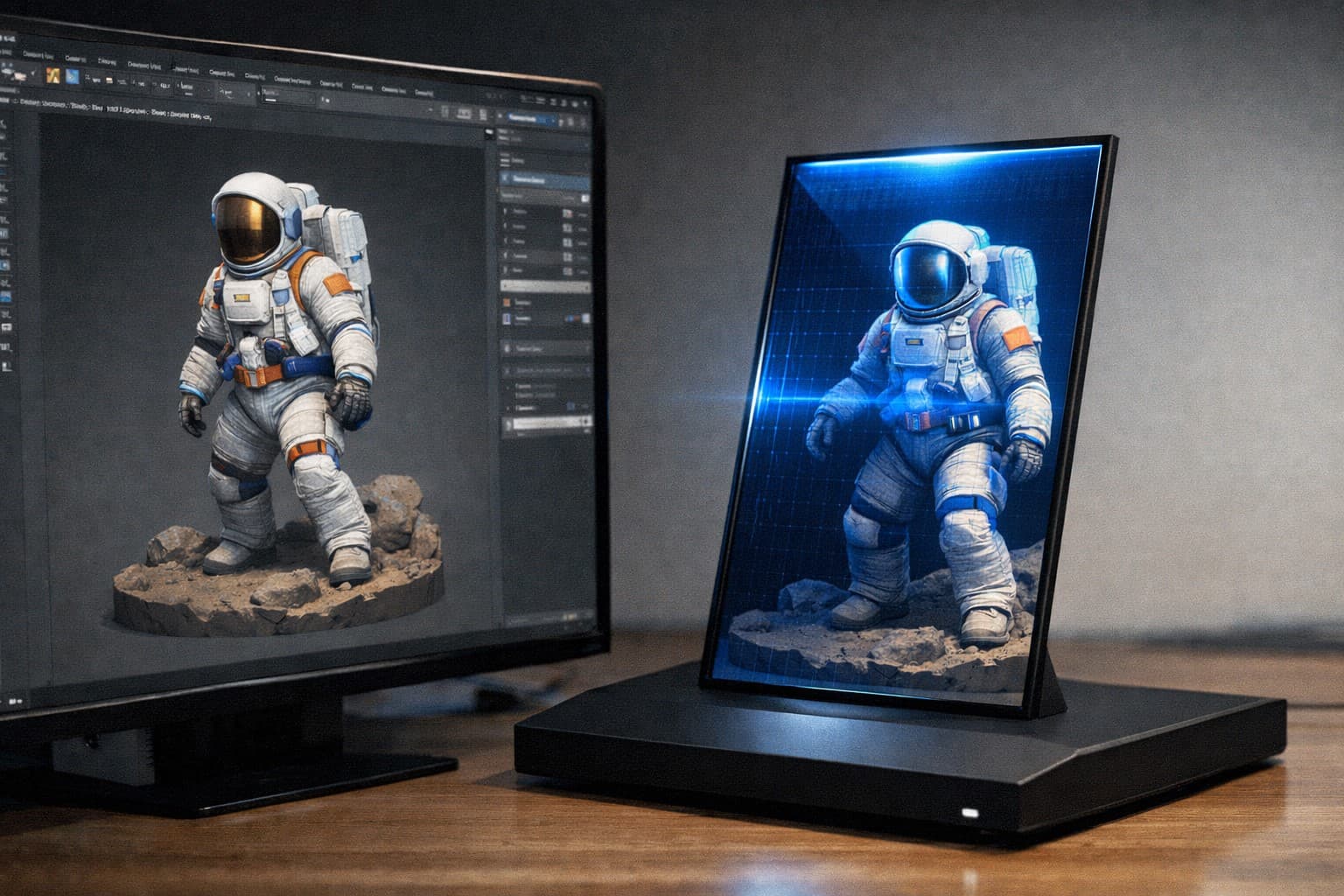
Core Platform Capabilities
The platform includes two production-focused generation modes. The first mode converts 2D images into depth-aware static outputs. The second mode processes full 3D scenes and models, giving tighter control over camera, composition, and perceived volume.
Instead of forcing a complex pipeline, 3D2HOLO keeps the steps practical: upload your source, tune visual settings, preview your output, and export printer-ready static images.
2D to Hologram Workflow
Upload an image and generate depth-based static output optimized for print clarity. This is ideal for product visuals, marketing stills, and concept art.
Open 2D generation tool3D to Hologram Workflow
Import 3D assets and control your render setup for stronger depth separation and viewing comfort. This mode is suited for product demos, characters, and scenes, then exported as static images for print.
Open 3D generation toolWhy Teams Use 3D2HOLO
Teams adopt 3D2HOLO because it reduces production friction. Instead of manually stitching pipeline steps, they can focus on creative decisions and output quality. The result is faster previews, fewer rendering mistakes, and more repeatable holographic delivery.
- Faster conversion from source asset to display-ready output
- Clear separation between 2D and 3D workflows for better control
- Production-friendly paths for demos, showcases, and client delivery
Frequently Asked Questions
Can I convert both 2D images and 3D models?
Yes. 3D2HOLO provides both 2D and 3D workflows, and both export static images for printer output.
Which devices are supported?
The platform uses the same parallax principles as Looking Glass, but it is optimized for static image workflows targeting printers rather than device-side runtime output.
What makes output quality better?
Depth range, camera setup, clean geometry, and stable render settings are key factors that directly affect perceived depth after printing.