
Beste bestandsformaten voor lenticulaire en holografische printrendering
Het bronbestand waarmee je begint bepaalt direct hoeveel controle je hebt over diepte, opschonen, browserpreview en printbetrouwbaarheid. Het juiste formaat kiezen is een van de eenvoudigste workflowverbeteringen die je kunt doen.
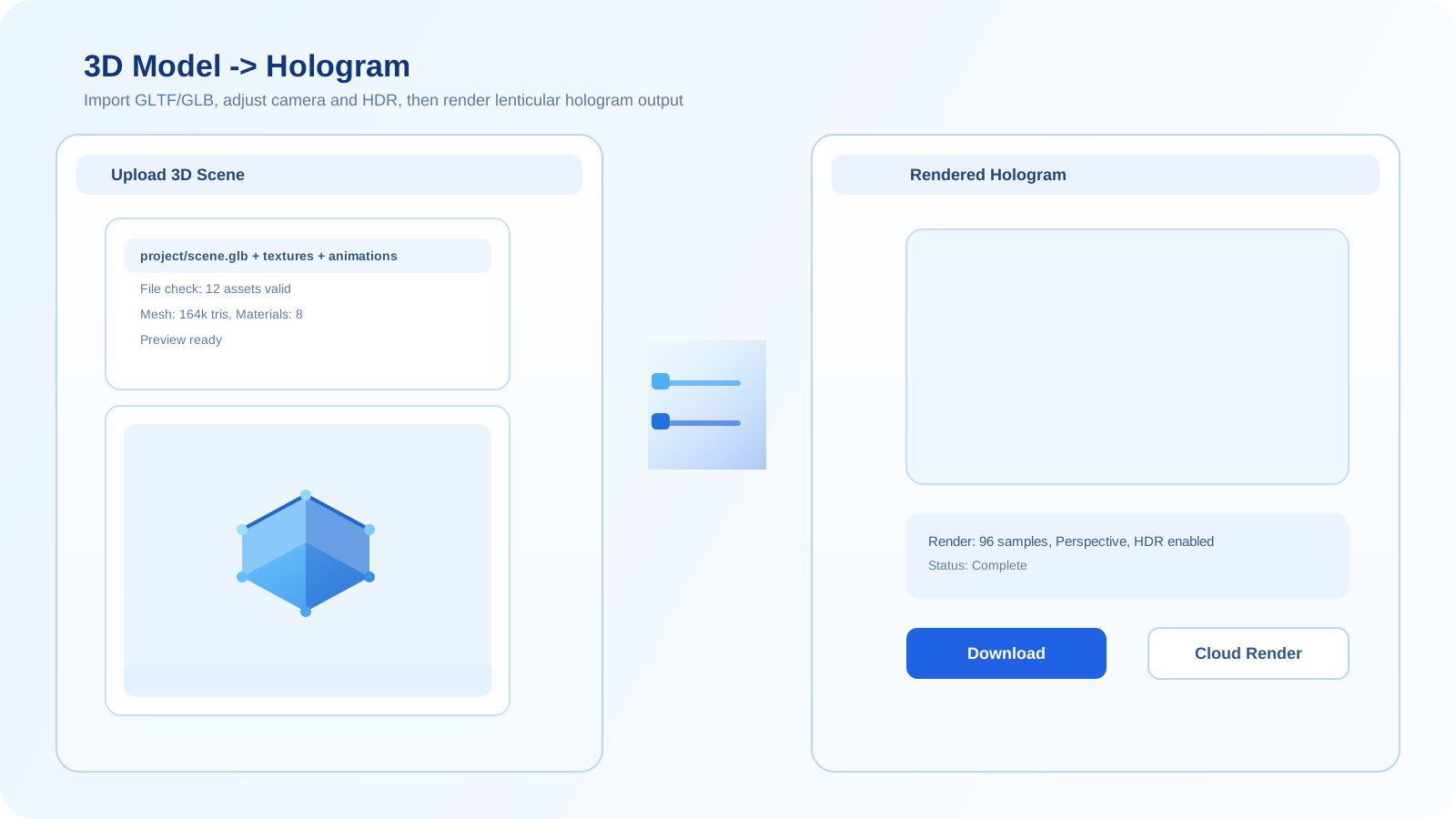
Waarom de keuze van het bestandsformaat belangrijk is
Voor beeldworkflows hebben formaten invloed op compressie-artefacten, transparantie-afhandeling en hoe schoon diepte- of parallaxe-aanpassingen kunnen worden toegepast voordat er wordt geinterlaced.
Voor 3D-workflows bepalen formaten of geometrie, materialen, normals en scene-structuur overeind blijven bij de overgang naar een browsergebaseerde renderingpipeline.
Aanbevolen workflow voor formaatselectie
- Gebruik PNG wanneer je schonere beeldranden, transparantie of minder compressieschade nodig hebt dan bij JPG.
- Geef de voorkeur aan GLB of glTF voor browsergebaseerde 3D-rendering, omdat ze geometrie en materialen meestal betrouwbaarder behouden.
- Gebruik STL of OBJ alleen wanneer dat al je bronformaat is, en reken op extra tijd voor opschonen of materiaalvervanging.
- Zie Sketchfab-links als een snelle toegangsroute wanneer het gehoste model al goed genoeg lijkt voor preview en exporttests.
Beste startpunten
PNG is meestal de veiligste beeldbron, terwijl GLB en glTF doorgaans de sterkste 3D-bronformaten zijn voor snelle browserworkflows en stabiele lenticulaire previews.
Veelgemaakte fouten
- Sterk gecomprimeerde JPG-bestanden gebruiken voor onderwerpen die schone randen of gelaagd dieptewerk nodig hebben.
- Rommelige STL- of OBJ-assets uploaden en verwachten dat materialen en shading zich gedragen als bij moderne webvriendelijke formaten.
- Een bronformaat alleen op gemak kiezen in plaats van op de mate van controle die je voor de uiteindelijke print nodig hebt.
Kies de juiste tool
Als je een schoon 3D-bestand hebt, begin dan met de 3D-workflow. Heb je alleen een vlak beeld, gebruik dan de 2D-workflow. Staat het model al op Sketchfab, dan kan die route de snelste zijn.
Open de 3D-generatorVeelgestelde vragen
Is PNG beter dan JPG voor de voorbereiding van lenticulaire print?
Meestal wel. PNG vermijdt JPG-compressie-artefacten, wat helpt wanneer je schonere randen, maskers, transparantie of gelaagd beeldwerk wilt voor de printexport.
Welk 3D-formaat is meestal het beste voor browsergebaseerde lenticulaire rendering?
GLB en glTF zijn meestal de beste opties, omdat ze goed passen in browserpipelines en geometrie en materialen vaak consistenter behouden dan oudere uitwisselformaten.
Zijn STL en OBJ nog bruikbaar?
Ja, maar ze vragen vaak meer opschoning en herbouw van materialen. Ze kunnen nog steeds werken, maar zijn meestal minder handig dan GLB of glTF voor moderne browserrendering.