
Gaussian Splatting To Lenticular Print
Gaussian splatting captures real scenes in a way polygon meshes rarely match: millions of soft 3D blobs with position, orientation, and color, reconstructed from photos. Now you can bring those scans into the 3D2HOLO 3D workflow and turn them into a physical, moving lenticular print.
What is Gaussian splatting?
A Gaussian splat is a small 3D ellipsoid with a position, a shape and orientation, and a color that fades from its center. A Gaussian splatting scene is a cloud of millions of these overlapping splats. Together they reconstruct a scene — a room, an object, a person — with photoreal detail that mesh reconstruction often loses.
Splat scenes are usually produced by photogrammetry apps: you film or photograph a subject from many angles, and the app solves for the splats that best explain the images. The raw result can be large, so the compressed SPZ format (used by Niantic Scaniverse and supported in three.js) shrinks it roughly tenfold while keeping the visual quality.
How splats differ from mesh models
A mesh is a surface: triangles with textures. Splats are volumetric: overlapping soft blobs that hold color in the space itself. Fine geometry such as fur, leaves, thin structures, and shiny or translucent materials often survive the splatting pipeline far better than they survive mesh reconstruction.
For lenticular printing the difference matters less than you might expect. The 3D2HOLO renderer renders the splat scene from every viewing angle with the same camera rig it uses for mesh models, so the same depth and framing controls apply to both workflows.
From 3D scan to lenticular print
- Capture the subject with a scanning app that exports splats (for example Scaniverse) — walk or orbit around it so every side is covered.
- Export the capture as an SPZ file and upload it in the 3D generator. 3D2HOLO renders the splat scene in the browser preview.
- Tune framing, background, and depth like any 3D model, then render the lenticular preview and check the motion.
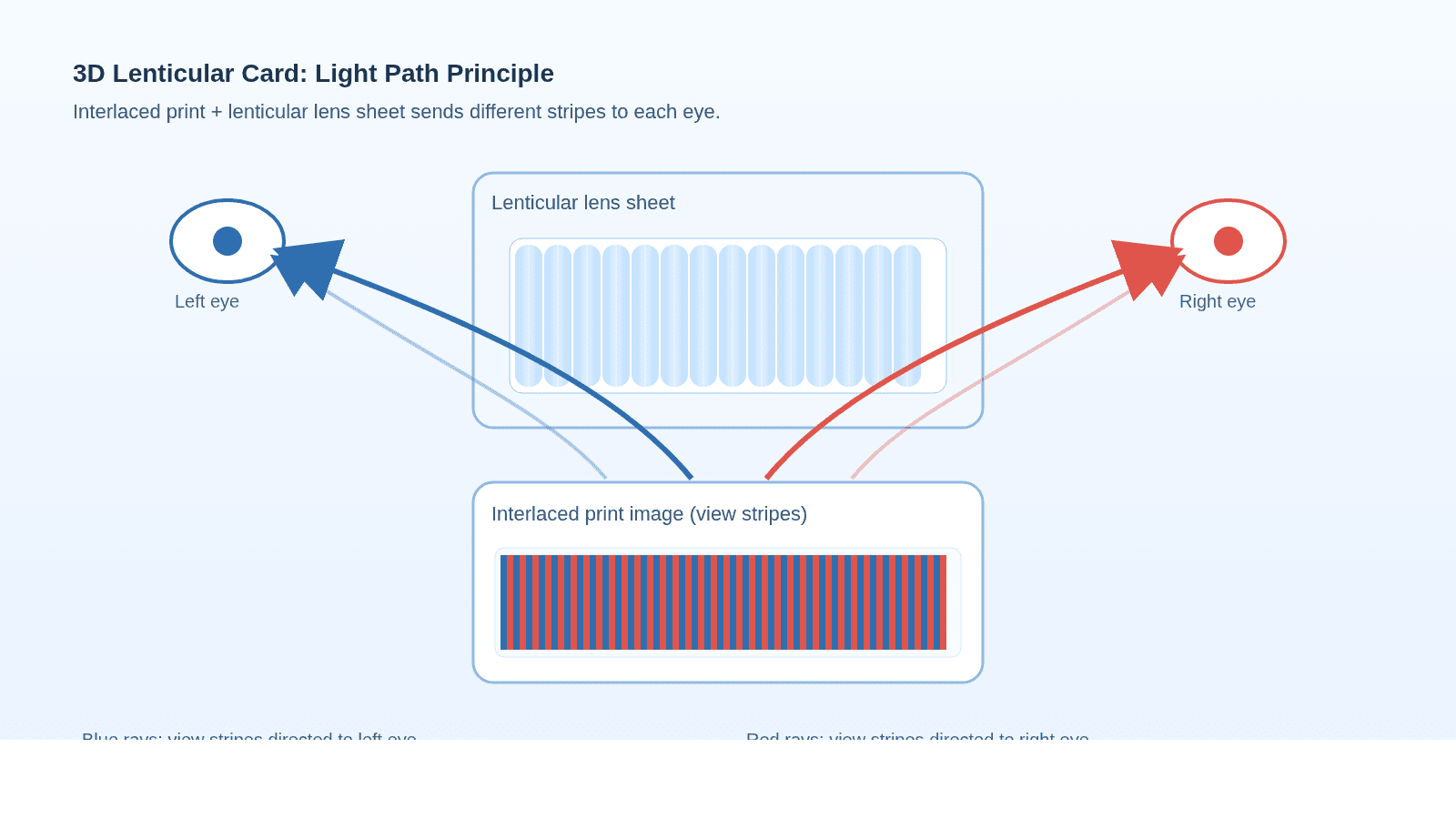
- Order the print. The splat scene is rendered into the same lenticular view pipeline as mesh models, so the workflow stays identical from preview to shipping.
Best use cases
Splatting shines on subjects that are hard to model by hand: real objects, plants, food, statues, interiors, and anything captured from photos rather than built in a modeling tool.
Common mistakes
- Scanning with too few angles — holes in the coverage show up as empty regions in the print.
- Keeping floaters and noise — clean the scan in the capture app before exporting, stray splats are visible in every viewing angle.
- Ignoring scale — splat scenes have no units, so check the framing and depth before ordering.
Print your splat scene
Upload your SPZ file in the 3D generator, preview the motion, and order a real lenticular print of your 3D scan.
Open the 3D generatorFrequently asked questions
What is an SPZ file?
SPZ is a compressed format for Gaussian splat scenes created by Niantic. It stores the same splat data as a .ply or .splat file at roughly a tenth of the size, which makes it practical to upload and share in a browser.
Do Gaussian splats work for lenticular printing?
Yes. The splat scene is rendered from each viewing angle with the same camera rig used for mesh models, so the result interlaces into the lenticular image like any 3D workflow.
Why does my scan look different in the preview?
Splat renderers show color directly from the splats, without the lighting and environment controls used by mesh models. Framing and depth still apply — if the preview looks off, the scan itself usually needs cleanup or more coverage.