
เปรียบเทียบเวิร์กโฟลว์โฮโลแกรมแบบ 2D, 3D, AI และ Sketchfab
เวิร์กโฟลว์ที่เร็วที่สุดไม่ได้แปลว่าเหมาะที่สุดเสมอไป และเวิร์กโฟลว์ที่ควบคุมได้มากที่สุดก็ไม่ได้จำเป็นเสมอไป หน้านี้มีไว้เพื่อช่วยให้ทีมเลือกเส้นทางที่เหมาะกับ asset ต้นทาง งบประมาณสำหรับ cleanup และเป้าหมายการพิมพ์มากที่สุด
อะไรคือความต่างของเวิร์กโฟลว์ทั้งสี่แบบนี้
2D เริ่มจากภาพแบน และมักเป็นวิธีที่ง่ายที่สุดในการทดสอบ 3D เริ่มจาก geometry จริงและให้การควบคุมที่แข็งแรงที่สุด AI เริ่มจากต้นฉบับที่มีจำกัดและช่วยสร้างมุมมองใหม่ได้อย่างรวดเร็ว แต่ความสม่ำเสมออาจแปรผัน ส่วน Sketchfab เริ่มจากฉาก 3D ที่โฮสต์ไว้ และมักช่วยลดเวลาในการตั้งค่าเมื่อ viewer ดูใกล้เคียงกับผลลัพธ์ที่ต้องการอยู่แล้ว
ความผิดพลาดของเวิร์กโฟลว์ส่วนใหญ่มักเกิดขึ้นเมื่อทีมเลือกตามความใหม่ แทนที่จะเลือกตามความเหมาะสม หากคุณมี geometry ที่สะอาดอยู่แล้ว ก็ใช้มันเลย หากคุณมีเพียงภาพแบน ก็เริ่มจากตรงนั้น และหากต้นฉบับของคุณอยู่บน Sketchfab อยู่แล้วและดูเสถียรทางภาพ ทางลัดนั้นอาจคุ้มค่ากว่าการรื้อสร้าง pipeline ที่ลึกกว่า
เวิร์กโฟลว์ 2D
เหมาะที่สุดเมื่อคุณเริ่มจากภาพเดียวหรือชุดภาพ และต้องการเส้นทางที่เร็วที่สุดไปสู่การทดสอบงานพิมพ์ครั้งแรก
เปิดตัวสร้าง 2Dเวิร์กโฟลว์ 3D
เหมาะที่สุดเมื่อคุณมี geometry จริงและต้องการการควบคุมกล้องที่เชื่อถือได้ ความเสถียรของ depth และความมั่นใจในการผลิตที่สูงกว่า
เปิดตัวสร้าง 3Dเวิร์กโฟลว์ AI
เหมาะที่สุดเมื่อคุณต้องการมุมมองสังเคราะห์ การสำรวจแนวคิด หรือวิธีขยายต้นฉบับที่มีจำกัดก่อนเข้าสู่ขั้นตอนที่ควบคุมได้มากขึ้น
เปิดตัวสร้าง AIเวิร์กโฟลว์ Sketchfab
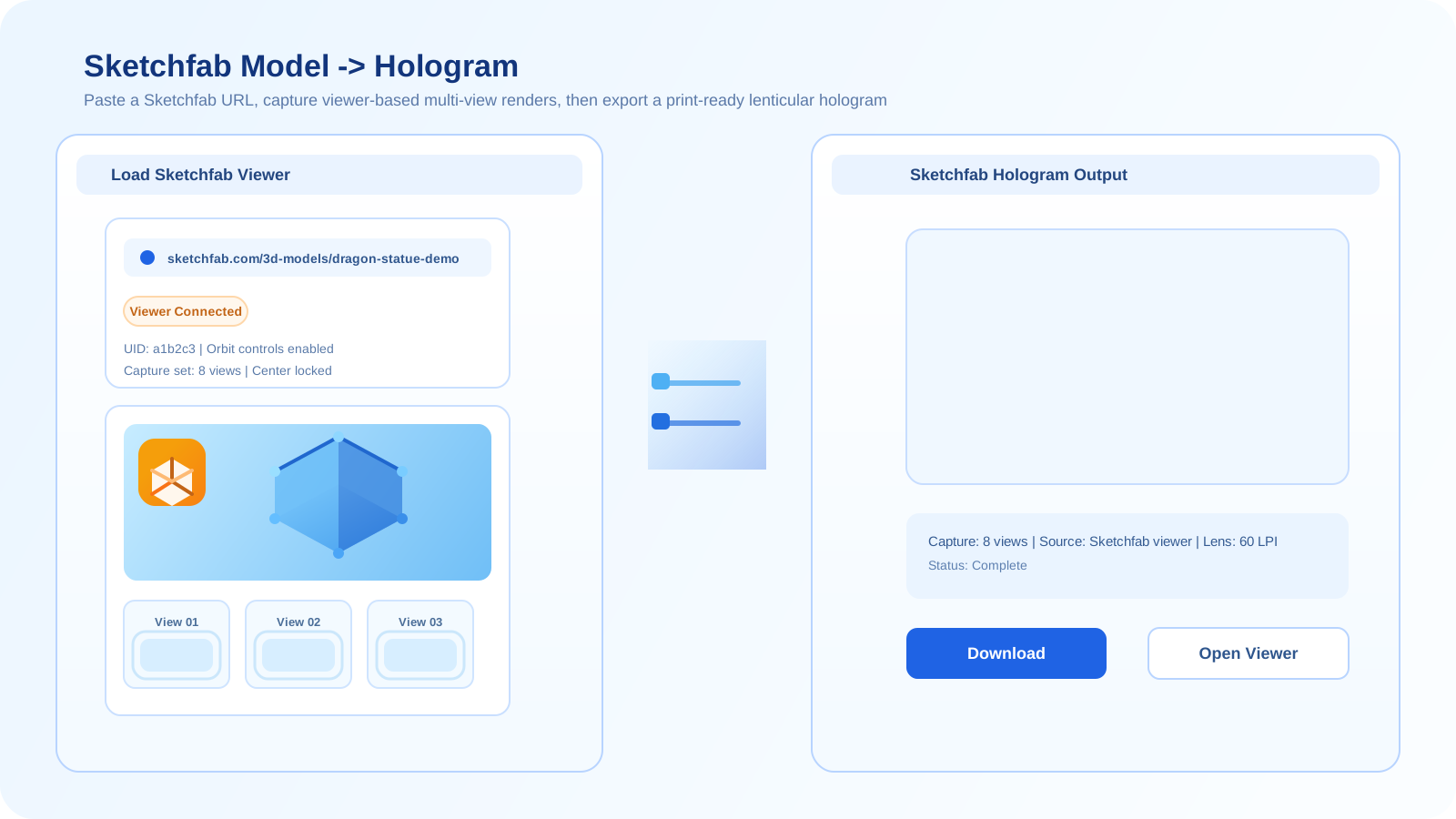
เหมาะที่สุดเมื่อโมเดลมีอยู่แล้วในฉากที่โฮสต์ไว้อย่างเสถียร และคุณต้องการเส้นทางพรีวิวบนเบราว์เซอร์ที่รวดเร็วโดยไม่ต้อง export asset ทั้งชุด
เปิดตัวสร้าง Sketchfab| การเปรียบเทียบแบบวางเคียงกัน | 2D | 3D | AI | Sketchfab |
|---|---|---|---|---|
| asset ตั้งต้น | ภาพแบนหรือชุดภาพ | โมเดลหรือฉาก 3D จริง | ภาพเดียวหรือต้นฉบับจำกัดสำหรับสร้างวิวเพิ่มเติม | ฉาก Sketchfab ที่โฮสต์ไว้ |
| ความเร็วในการตั้งค่า | เร็วที่สุดสำหรับการทดสอบง่ายๆ | ช้ากว่า แต่ควบคุมการตั้งค่าได้มากกว่า | เร็วสำหรับการสำรวจ แต่จะช้าลงในขั้น cleanup หากไม่เสถียร | เร็วเมื่อฉากที่โฮสต์ไว้พร้อมใช้งานอยู่แล้ว |
| การควบคุม depth | ต่ำถึงปานกลาง | สูง | ปานกลาง แต่มีโอกาส drift | ปานกลาง ขึ้นอยู่กับฉากที่โฮสต์ไว้ |
| เหมาะที่สุดสำหรับ | proofing แบบ image-based อย่างรวดเร็ว | การผลิตงานพิมพ์แบบควบคุมได้ | การหาไอเดียและการสร้าง multi-view แบบสังเคราะห์ | การทดสอบรวดเร็วจากโมเดลสาธารณะที่มีอยู่แล้ว |
เส้นทางตัดสินใจแบบง่าย
- หากคุณมีเพียงภาพแบน ให้เริ่มจาก 2D หรือ AI ขึ้นอยู่กับว่าคุณต้องการมุมมองที่สร้างขึ้นใหม่หรือไม่
- หากคุณมี geometry อยู่แล้วและคุณภาพสำคัญ ให้ไปที่ 3D โดยตรงแทนการพยายามสร้างการควบคุมแบบเดียวกันผ่าน AI
- หากโมเดลอยู่บน Sketchfab อยู่แล้วและฉากที่โฮสต์ไว้ดูเสถียร ให้ใช้ Sketchfab เพื่อลดเวลา setup ก่อนเข้าสู่การผลิตที่ลึกขึ้น
- หากการทดสอบช่วงต้นเผยให้เห็นความไม่เสถียร ให้เพิ่มระดับการควบคุม: จาก 2D ไป AI, จาก AI ไป 3D หรือจาก Sketchfab ไปใช้ไฟล์ 3D โดยตรง
ข้อผิดพลาดที่พบบ่อย
- ใช้ AI ทั้งที่มี geometry ที่เชื่อถือได้อยู่แล้ว
- พยายามบังคับให้ต้นฉบับ 2D แบบแบนทำงานเหมือนฉาก 3D จริง
- ยังคงอยู่ใน Sketchfab ทั้งที่แสงหรือวัสดุที่โฮสต์ไว้กำลังจำกัดคุณภาพงานพิมพ์อย่างชัดเจน
- เลือกเวิร์กโฟลว์ที่ใช้เวลาตั้งค่าน้อยที่สุด ทั้งที่ค่า cleanup ในภายหลังจะสูงกว่า
คำถามที่พบบ่อย
เวิร์กโฟลว์ใดมักดีที่สุดสำหรับคุณภาพงานพิมพ์สุดท้าย?
หากคุณมีโมเดลที่ดีอยู่แล้ว เวิร์กโฟลว์ 3D แบบตรงมักเป็นตัวเลือกที่ดีที่สุดสำหรับคุณภาพงานพิมพ์สุดท้าย เพราะให้การควบคุม geometry, viewpoint และ render setup ได้มากที่สุด
เมื่อไร Sketchfab จึงดีกว่าเวิร์กโฟลว์ 3D แบบเต็ม?
Sketchfab จะดีกว่าเมื่อความเร็วสำคัญกว่าการควบคุมเต็มรูปแบบ และโมเดลที่โฮสต์ไว้ดูเสถียรพออยู่แล้วที่จะรองรับพรีวิวหรือ test render ที่มีประโยชน์
สามารถผสมเวิร์กโฟลว์เหล่านี้เข้าด้วยกันได้ไหม?
ได้ หลายทีมมักผสมกันโดยใช้ AI สำหรับ ideation, ใช้ 2D สำหรับ proofing อย่างรวดเร็ว, ใช้ Sketchfab สำหรับพรีวิวแบบโฮสต์ที่รวดเร็ว และใช้ 3D แบบตรงสำหรับ production pass ที่ควบคุมได้มากกว่า