
How To Turn A Single 2D Image Into Lenticular-Ready Print Output
A single image can work well for lenticular printing when the subject is clear, the silhouette is readable, and the print workflow is tuned for static hologram output.
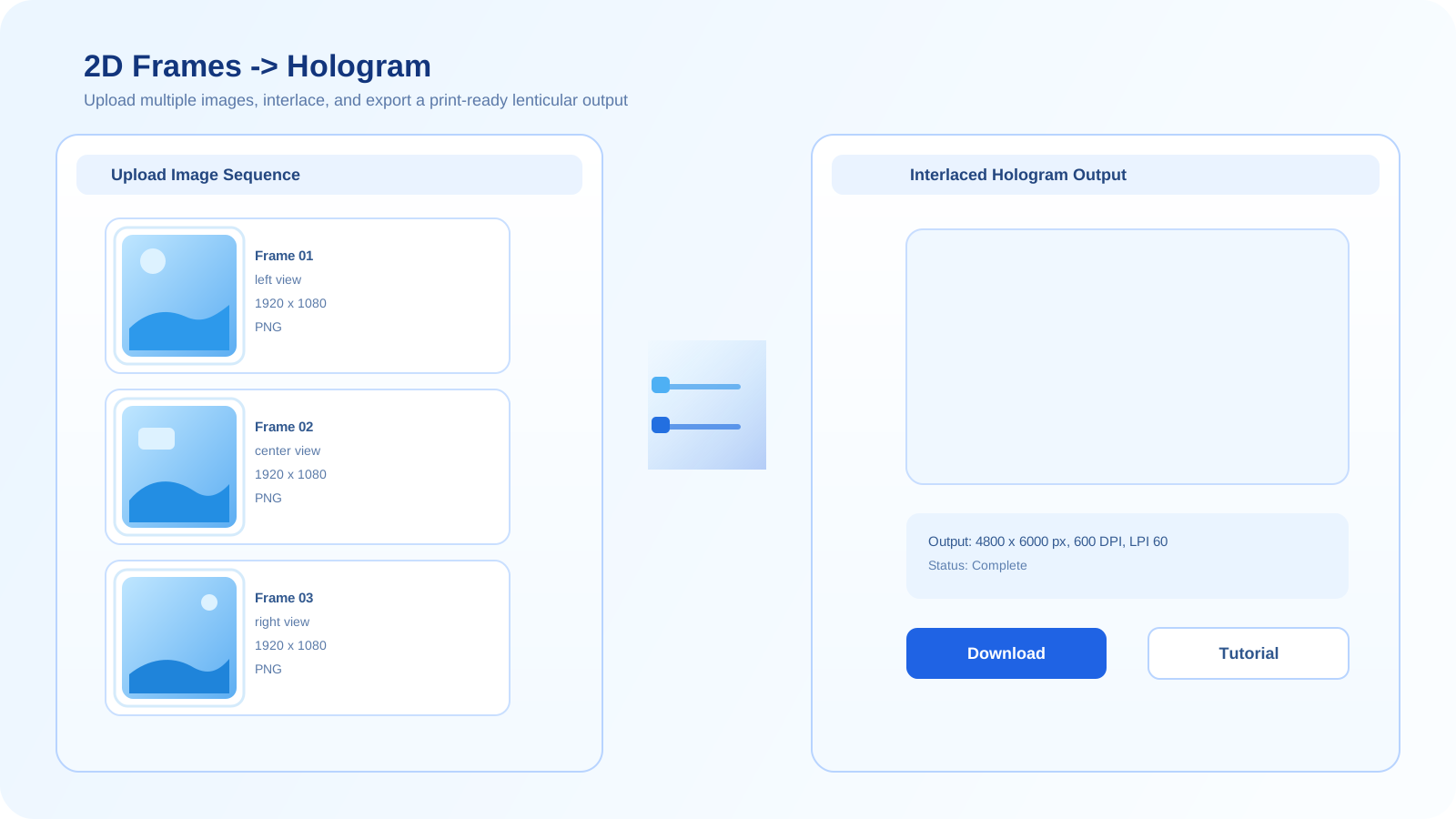
When a 2D source is the right starting point
A 2D-first workflow is useful when you already have a strong product shot, portrait, or illustration and want a fast path to hologram print preparation.
It is not a substitute for true 3D geometry, but it is often the fastest way to validate composition, depth readability, and print direction.
Recommended workflow
- Start with a clean image that has a clear subject and minimal background clutter.
- Choose output dimensions and lenticular settings that match the intended print format.
- Preview the depth effect and adjust until the subject separation feels readable.
- Export the interlaced result for print testing and revision.
Best source images
Portraits, product hero shots, packaging mockups, and illustrations with strong silhouette separation tend to perform best.
Common mistakes
- Using low-resolution or heavily compressed source images.
- Starting from images with busy backgrounds or weak edge separation.
- Pushing depth too aggressively for a subject that does not support it.
Try the 2D tool
Use the 2D workflow when you want the fastest route from a single image to a printer-ready hologram result.
Open the 2D generatorFrequently asked questions
Can one image be enough for lenticular printing?
Yes. A single strong image can be enough when the subject reads clearly and the intended output is a static print workflow rather than a full multi-angle scene.
What kinds of images work best?
Images with clear subject isolation, high detail, and simple backgrounds usually produce the most stable lenticular results.
When should I switch to 3D or AI multi-view instead?
Switch when you need more viewpoint control, real geometry, or more convincing angle variation than a single 2D source can provide.