
How To Choose Between 2D, 3D, And AI Hologram Workflows
The best workflow is usually determined by your source material and the level of control you need over depth, viewpoint, and cleanup. Most teams waste time when they choose the most interesting workflow instead of the most suitable one.
Start from the asset you already have
If you only have a flat source image, a 2D workflow is usually the fastest path to testing. If you have real geometry, 3D gives you more reliable depth and camera control. If you need fast concept exploration or synthetic viewpoints, AI can be useful.
The wrong choice usually creates extra cleanup work. A 2D workflow cannot magically become a full 3D scene, and an AI workflow is not a replacement for controlled geometry when print precision matters.
Choose 2D
Use the 2D workflow when you start from a single image and want the simplest path to a lenticular-ready print test.
Open the 2D generatorChoose 3D
Use the 3D workflow when you have a model and need consistent depth, real camera control, and cleaner multi-view output.
Open the 3D generatorChoose AI
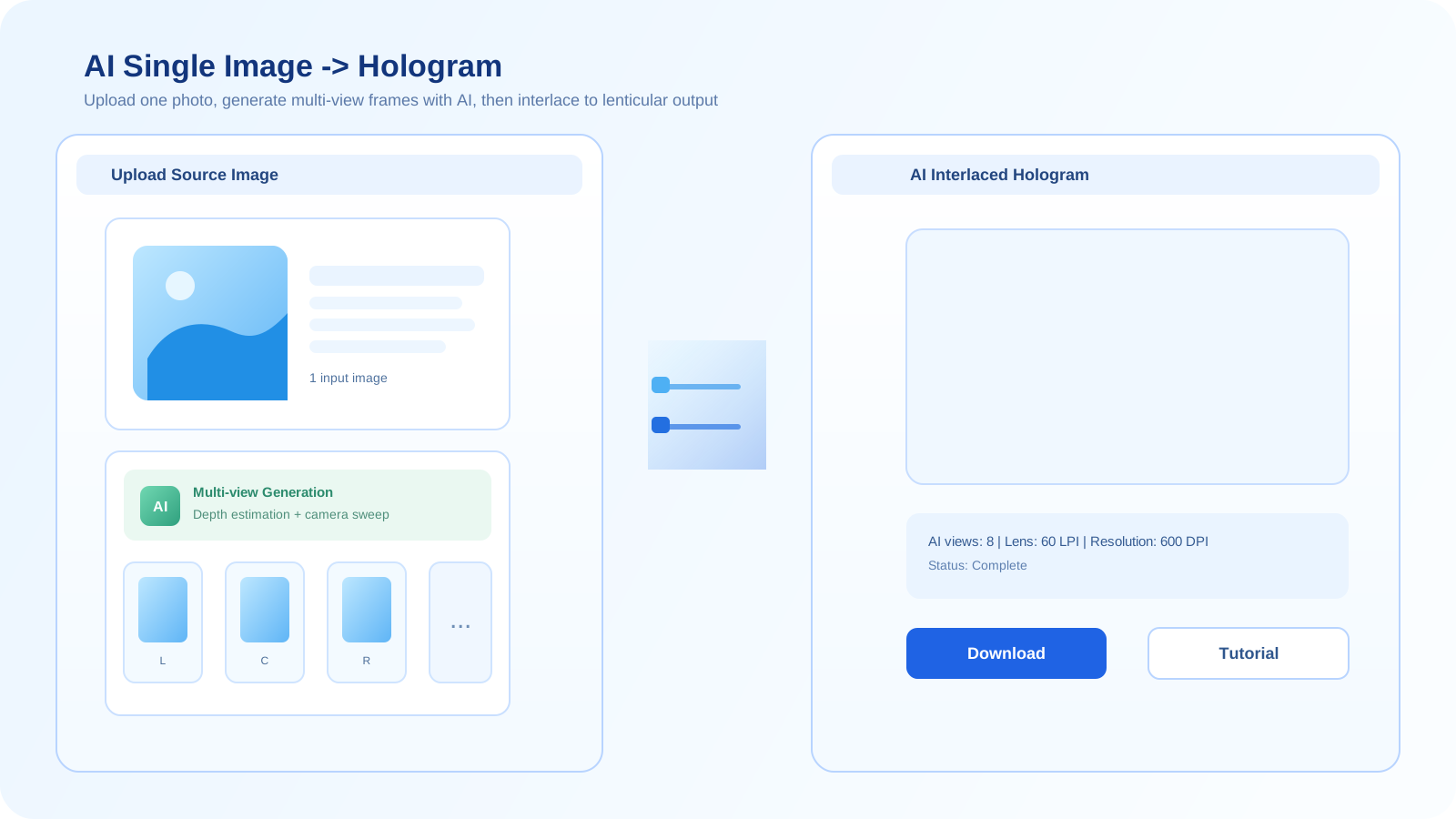
Use the AI workflow when you need fast visual exploration, synthetic multi-view concepts, or source generation before a more controlled production pass.
Open the AI generatorA simple decision process
- Check whether your source is a flat image, a true 3D asset, or just an idea that still needs generating.
- Decide how much control you need over viewpoint, geometry stability, and material fidelity.
- Choose the workflow that minimizes cleanup while still producing enough depth for print testing.
- If the first workflow is not stable enough, move up in control rather than forcing the same source farther than it should go.
Speed
2D is usually the fastest when the source is already a good image. AI is fast for ideation. 3D is slower to set up but more controllable.
Control
3D offers the strongest control over camera, geometry, and depth. 2D offers the least structural control. AI sits in the middle but can be inconsistent.
Best use
Use 2D for simple image-based tests, 3D for precise print work, and AI for concept generation or synthetic multi-view exploration.
Frequently asked questions
When should I use 2D instead of 3D?
Use 2D when you only have a flat image and want a quick test. Use 3D when you need real viewpoint control and more reliable depth for print output.
Is AI better than 3D for hologram generation?
Not in a general sense. AI is better for speed and concept exploration, while 3D is better for controlled geometry, repeatability, and production-oriented rendering.
Can these workflows be combined?
Yes. Teams often use AI for exploration, 2D for quick image-based tests, and 3D for the more controlled final render path.