
Cómo convertir un modelo de Sketchfab en una imagen lenticular y holográfica
Si tu modelo ya vive en Sketchfab, puede que no necesites un workflow completo de exportación y limpieza solo para probar un resultado lenticular u holográfico. En muchos casos, la escena alojada es la forma más rápida de empezar.
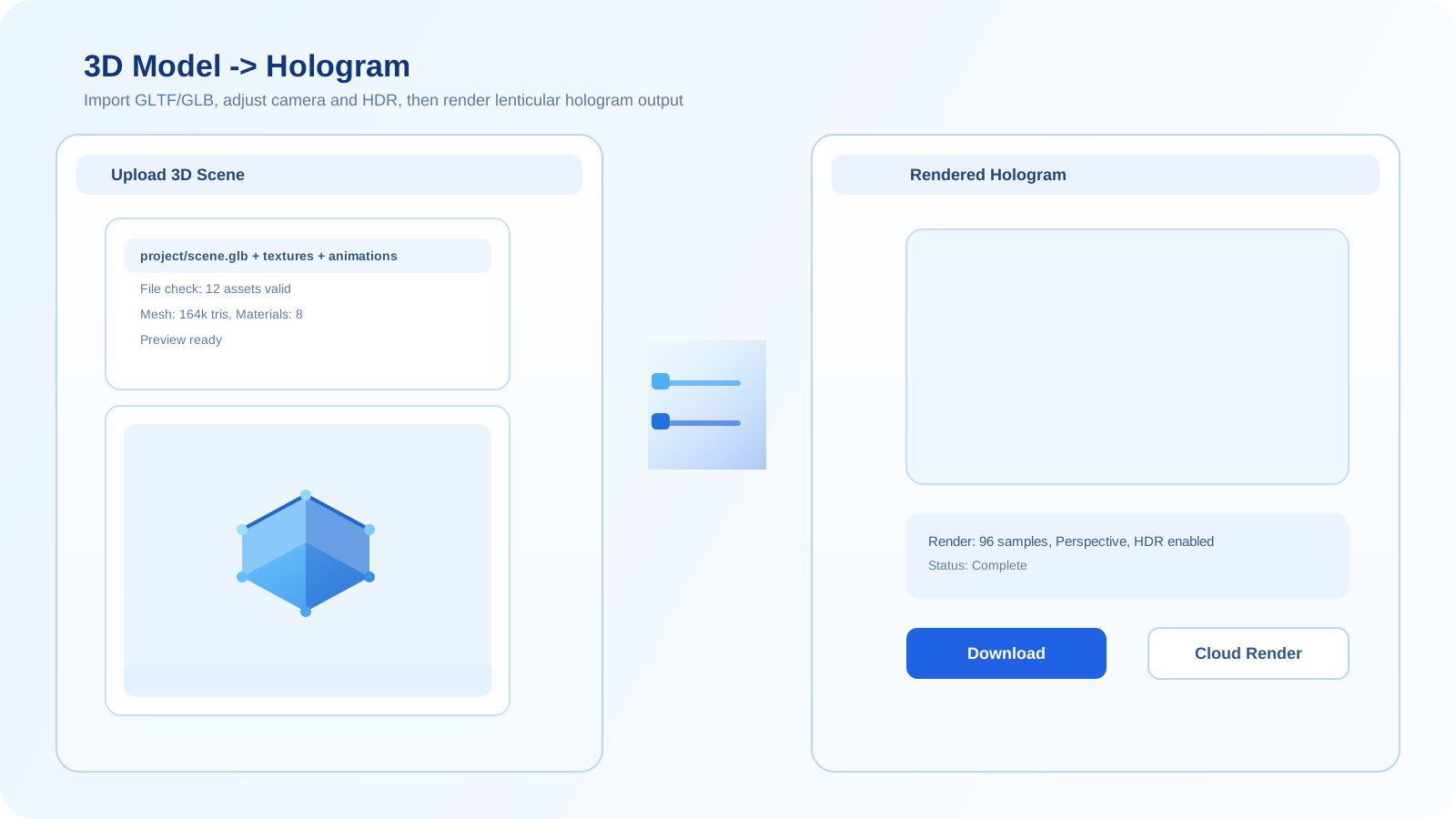
Por qué Sketchfab puede ser un atajo útil
Sketchfab es útil cuando el modelo ya está publicado, texturizado y es fácil de inspeccionar en el navegador. Eso elimina una ronda de transferencia de assets y te permite llegar antes a la vista previa.
La contrapartida es que un visor alojado sigue dependiendo del asset original. Si la escena de origen está desordenada, mal iluminada o es visualmente inconsistente, el resultado lenticular heredará esos problemas.
Workflow recomendado con Sketchfab
- Empieza con un modelo de Sketchfab que ya se vea limpio y legible en el visor del navegador.
- Carga el modelo en el workflow de Sketchfab y revisa el ángulo de vista previa, el encuadre y el fondo.
- Renderiza una salida de prueba y comprueba si la profundidad y la legibilidad del sujeto sobreviven a la configuración de la escena alojada.
- Si el resultado queda demasiado limitado, pasa a un workflow directo con archivo 3D para tener más control sobre geometría, iluminación y materiales.
Mejores casos de uso
Sketchfab es una opción sólida para pruebas rápidas, vistas previas de assets públicos y proyectos donde un modelo alojado en la web ya refleja bastante bien el aspecto final.
Errores comunes
- Usar una escena de Sketchfab que ya se vea recargada o poco clara en el visor.
- Suponer que la iluminación y los materiales alojados se comportarán igual que en un workflow 3D local u offline totalmente controlado.
- Seguir en la ruta de Sketchfab cuando el modelo claramente necesita ajustes más profundos de geometría o materiales.
Usa el workflow de Sketchfab
Si el modelo alojado ya se ve estable, Sketchfab puede ser la vía más rápida para obtener una vista previa lenticular usable antes de comprometerte con una canalización 3D más profunda.
Abrir el generador de SketchfabPreguntas frecuentes
¿Puedo usar directamente un modelo de Sketchfab para una salida lenticular?
Sí, cuando el modelo ya se ve bien en el visor alojado. Es un atajo práctico para hacer vistas previas y pruebas sin reconstruir primero toda la canalización de origen.
¿Cuáles son los límites de un workflow basado en Sketchfab?
Tienes menos control que con un workflow directo de archivo 3D. Si la escena alojada tiene iluminación débil, mal encuadre o problemas de materiales, esas limitaciones aparecen muy rápido en el resultado impreso.
¿Cuándo debería pasar de Sketchfab al workflow 3D completo?
Haz el cambio cuando necesites más control sobre limpieza de geometría, fidelidad de materiales, iluminación o configuración de cámara del que la ruta del modelo alojado puede ofrecer.